 Lan House
The LAN house is now on your Mac
Play Windows games on Apple Silicon Macs. One click, no setup. Free and open source.
Apple Silicon · macOS 14 Sonoma or later · about 280 MB
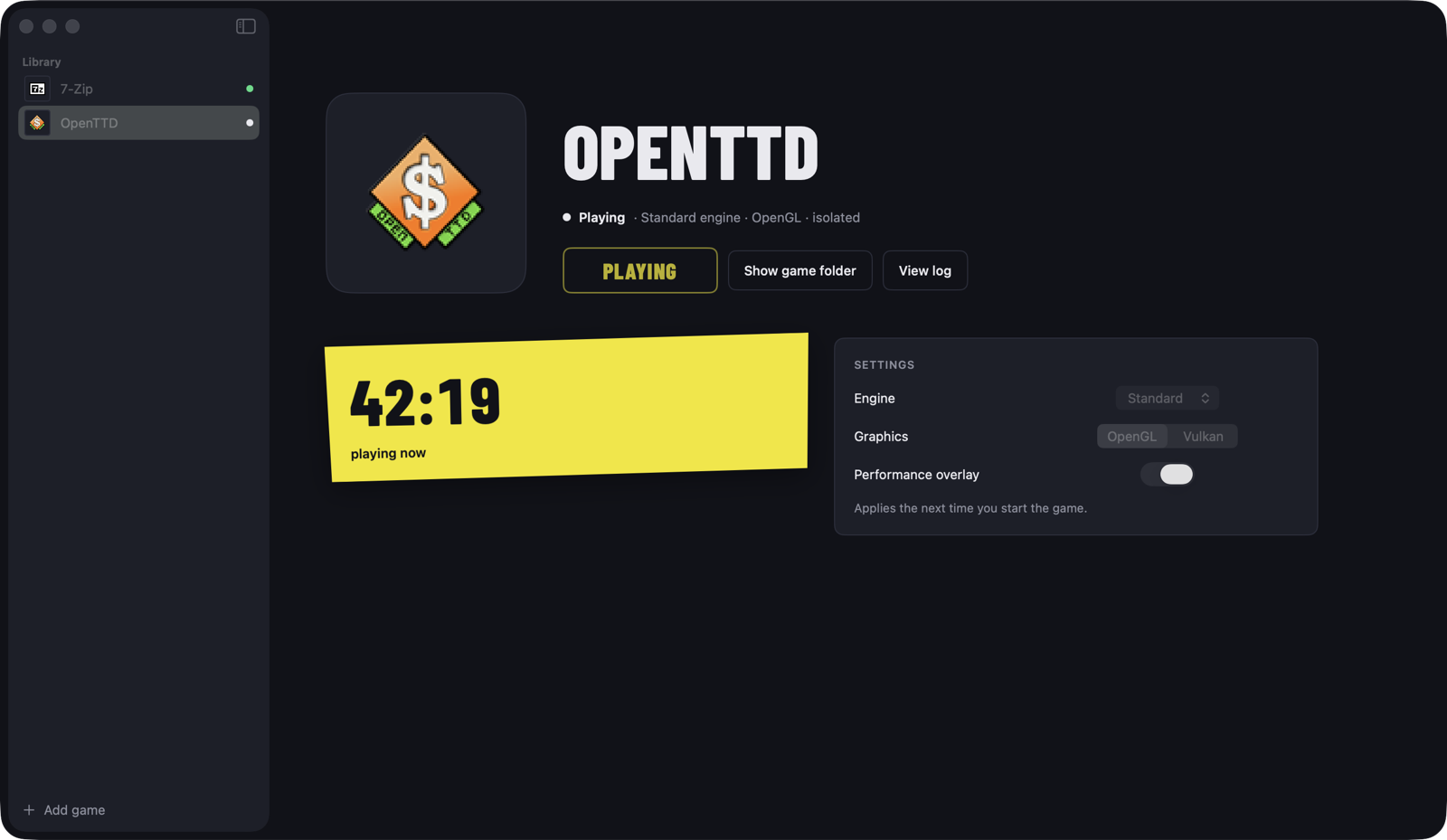
Every machine is ready
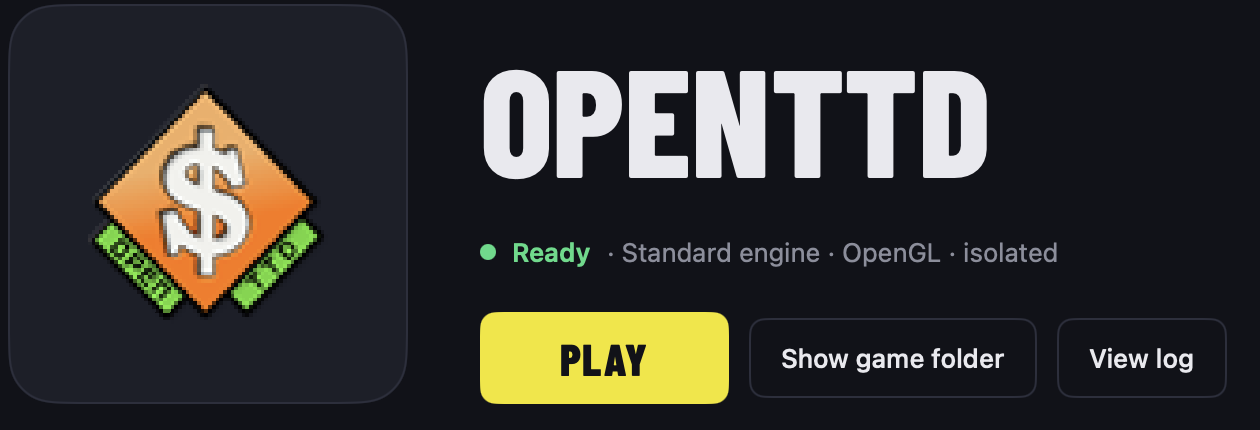
One click to play
Pick the .exe that starts the game. Lan House creates a bottle, copies the game, reads its icon and is ready.
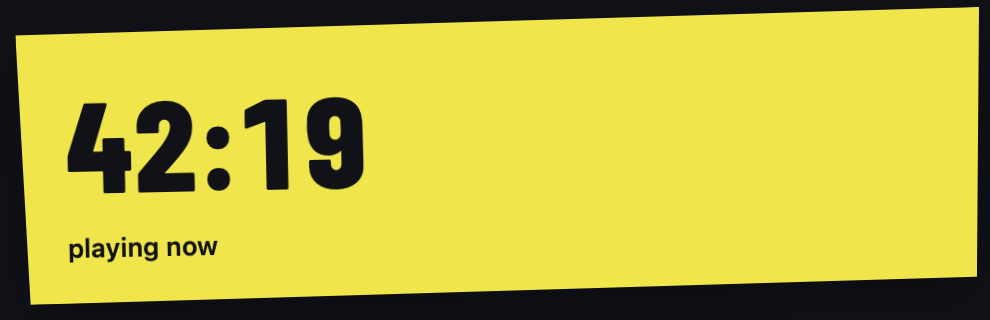
The session ticket
Like the ticket at the counter: a live clock while you play, and every session recorded after you quit.
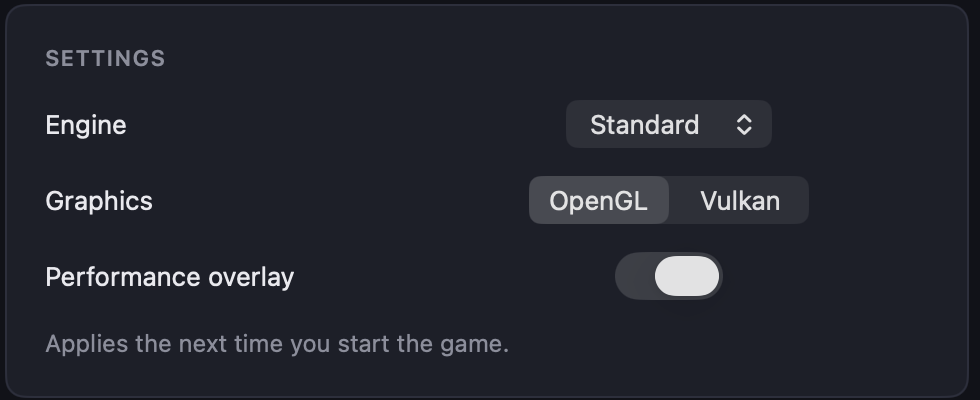
Your frame rate, on screen
One switch shows FPS, frame time and GPU time while you play. Change the renderer per game when one runs better.
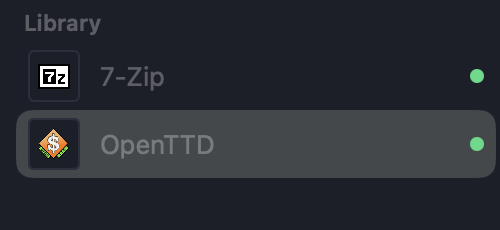
Each game in its own bottle
Bottles cannot see your home folder or the rest of the disk. Remove a game and nothing is left behind.
Install in a minute
Two ways in. Both install the same app from the same public release.
The fastest way: one command
Open Terminal, paste this and press Return. It downloads the latest release, checks it against its published SHA-256, installs it in Applications and opens it. No warnings, no extra steps.
curl -fsSL https://jpazv.github.io/lanhouse/install.sh | bashWant to read it first? Here is the whole script, under 40 lines.
Or the classic way: the DMG
- Download and drag to Applications
Open LanHouse.dmg and drag Lan House into Applications.
- Approve it once
On the first launch macOS shows “Lan House Not Opened”. Click OK, never “Move to Trash”. Then open System Settings › Privacy & Security, scroll down and click Open Anyway. macOS remembers your choice.
- Add a game
Click Add game and choose the game’s launcher .exe.
Why does macOS show a warning?
macOS warns about any app whose developer has not joined Apple’s paid developer program. The warning means “Apple has not checked this developer”, not “this app is harmful”. Lan House is a free project and is not enrolled yet; signed and notarized builds are already set up and will ship as soon as it is.
Until then, you do not have to take our word for it:
- Every line is public. The app, the engine scripts and this installer are on GitHub.
- Built in the open. Releases are built by GitHub Actions from that public source; the build log is public too.
- Checked on download. Each release publishes its SHA-256, and the installer refuses a file that does not match.
- Contained by design. Games run in bottles that cannot see your home folder, and the app has no background service and sends no data anywhere.
Free and open source
The engine scripts are LGPL 2.1 and the app is MIT. Read every line on GitHub.
What does not run
Games with kernel-level anti-cheat do not work under Wine and are out of scope.
About these screenshots
They show the real app with sample data: OpenTTD and 7-Zip, and a session clock set for the picture.